
The very first step is to sign up for a FeSTEM Community Platform account,which it’s pretty simple. The platform makes it easy to get started.
Head over to Registration Page and fill in the required fields.
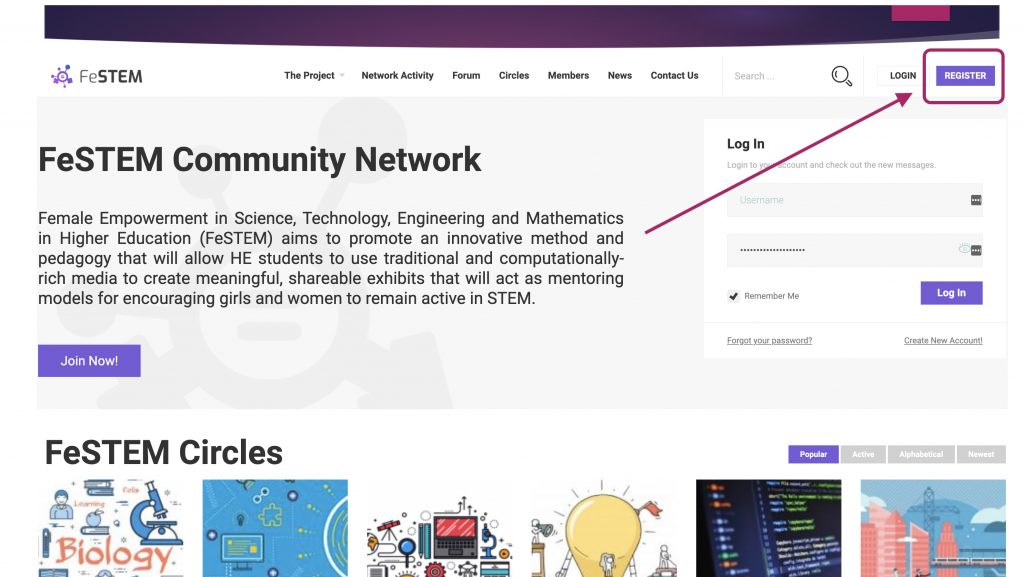
You will be asked to provide your first and last names, your email address or mobile number, birthdate plus some more optional fields. You will also be asked to choose a password for your account.
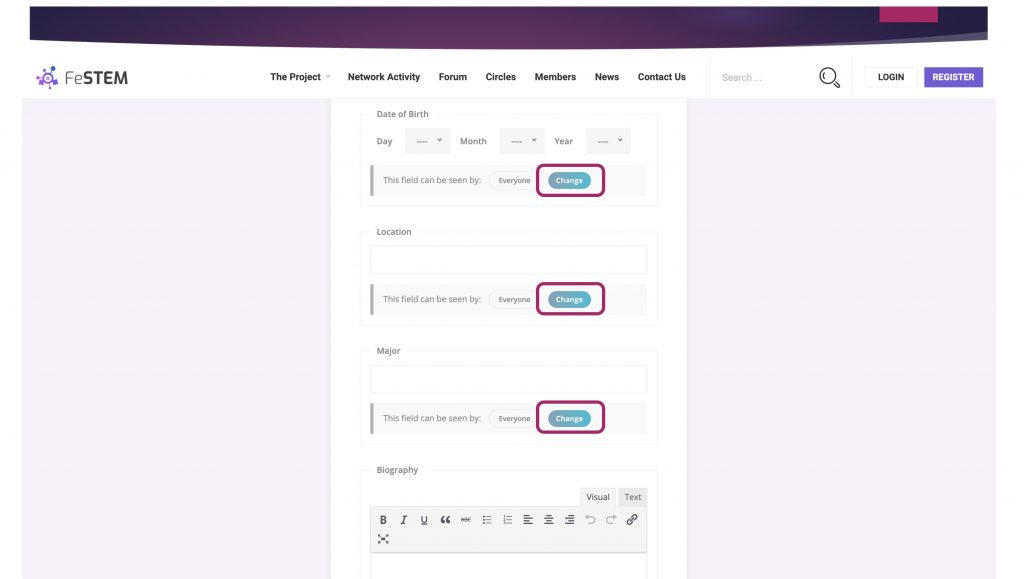
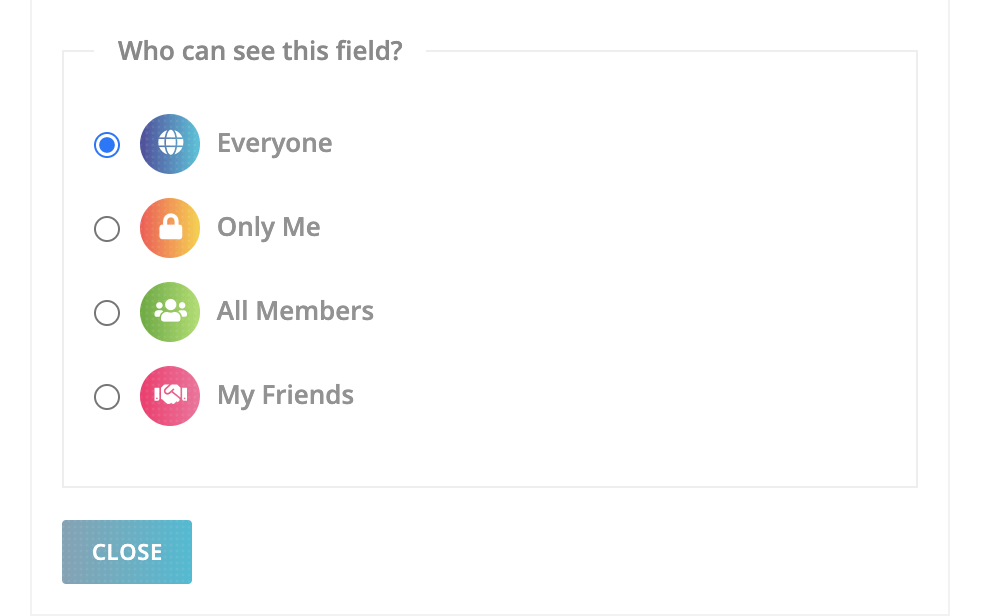
One of the most important basics of FeSTEM community platform is staying secure. While creating your new profile, you can make changes to your privacy settings. This will control who can view your profile and information you share.
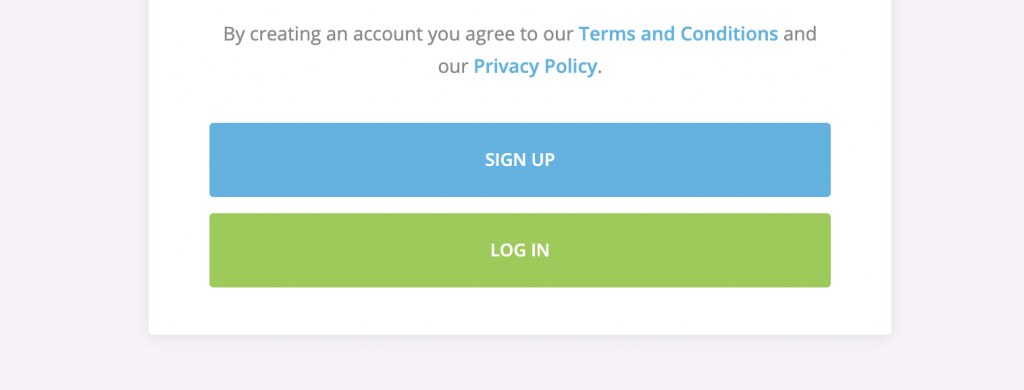
Finally click SIGN UP button to proceed with registration process.
Check Your Email To Activate Your Account
The first stage of your sign up has been successful. To complete the process please check your email for a validation request. Within the email you will find a link which you must click in order to activate your account.
If the email doesn’t appear shortly, please be sure to check your spam / junk mail folder. Some anti-spam filters modify the email, so first copy any spam message to your inbox before clicking the link.